
From conversation to booking
Direct booking through Facebook, LINE, and Google Business Profile
External channels help guests discover or contact a hotel. A Romnest link then handles availability, rates, and reservation submission. The hotel still needs a clear handoff and a person available when the configured flow cannot answer a request.
This guide is for hotels with a Facebook Page, LINE Official Account, or Google Business Profile that want to turn availability questions into a booking path the team can test and maintain.
Last reviewed:
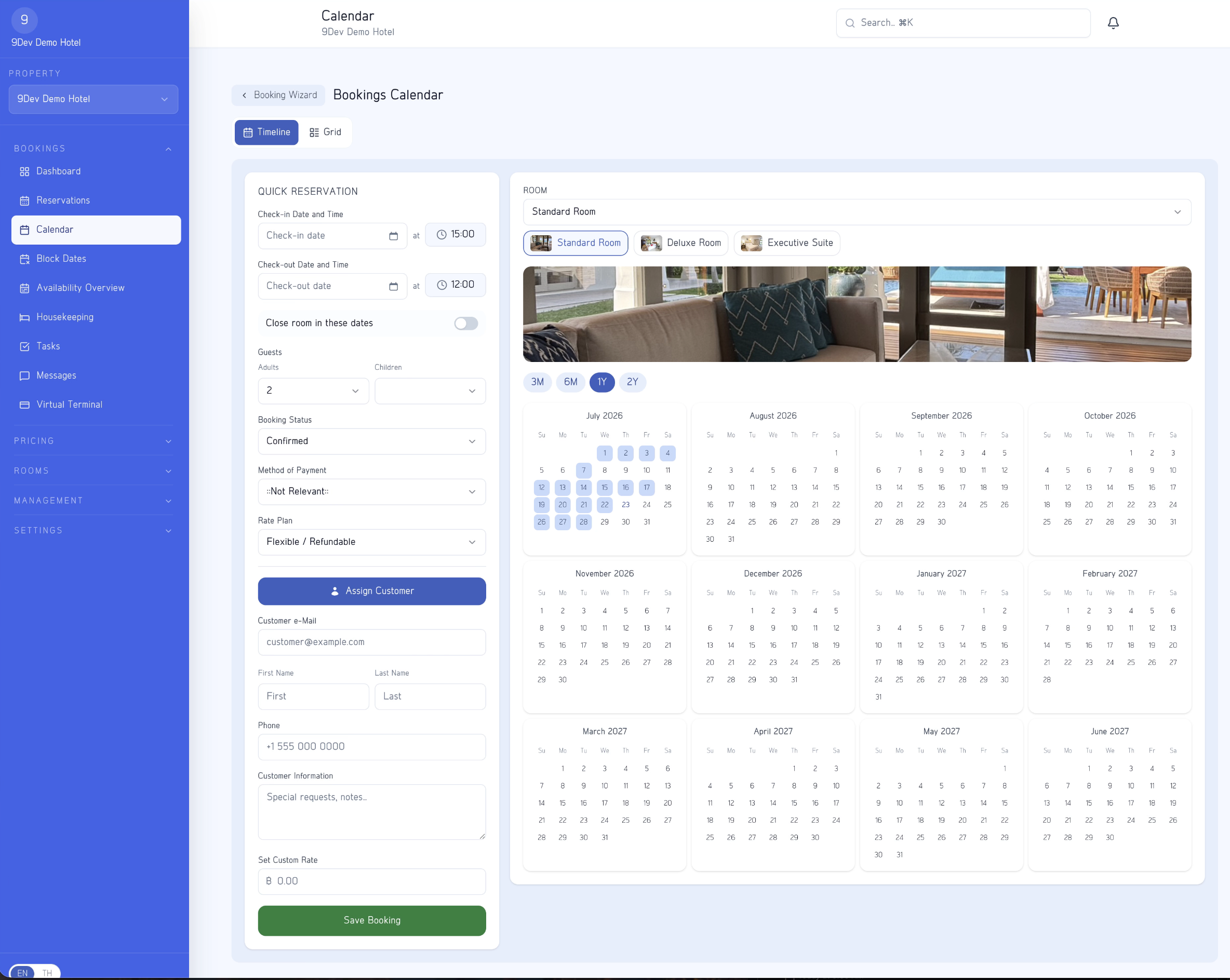
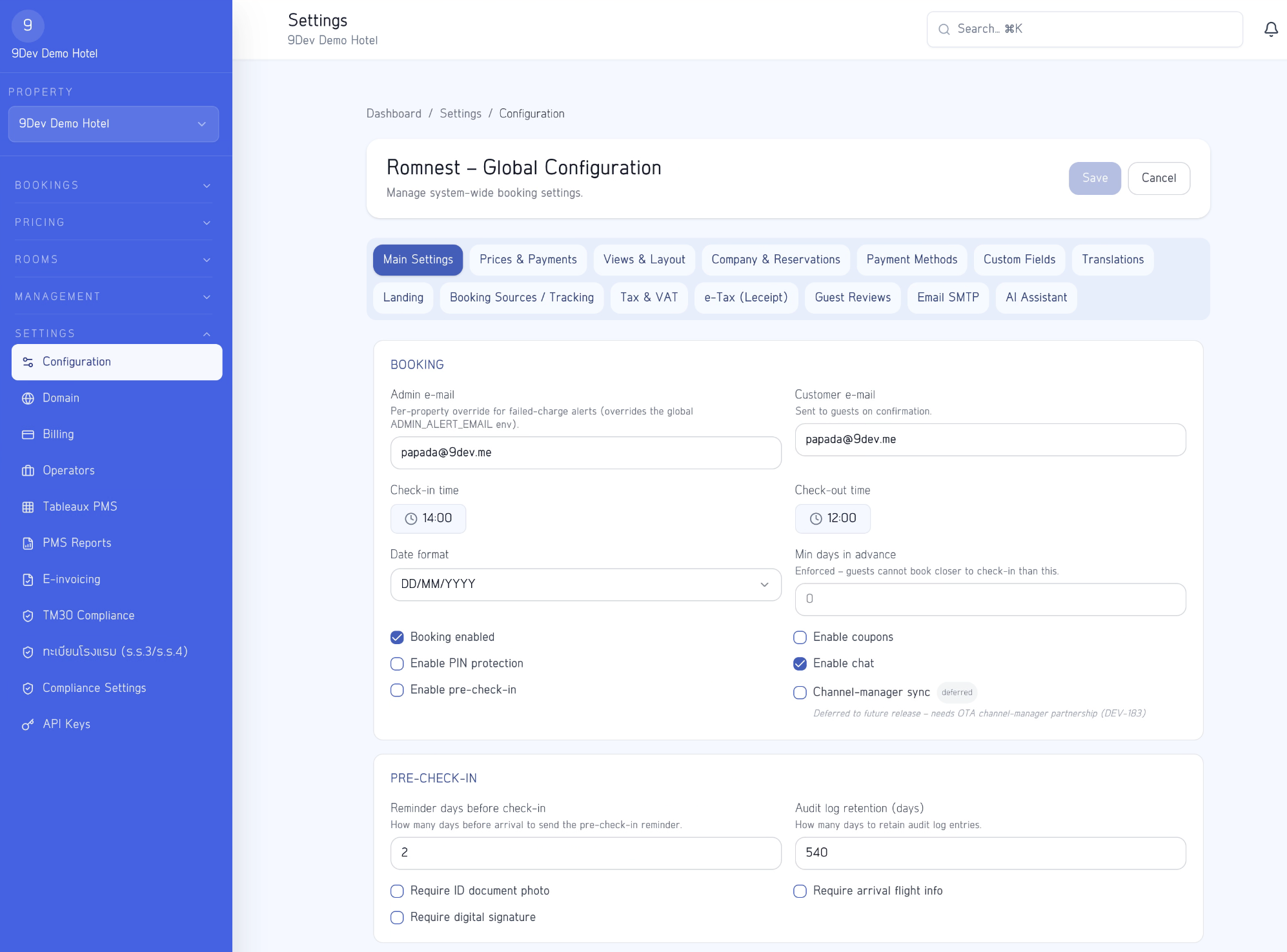
Place the link according to guest intent
| LINE Official Account | Google Business Profile | ||
|---|---|---|---|
| Typical guest intent | Discover content or ask a question | Continue a conversation or receive repeat information | Find a hotel, map, or contact details |
| Useful link placement | Page action, relevant post, or chat reply | Rich menu, greeting, or staff response | Supported website or booking link on the profile |
| Ongoing maintenance | Review the link and important pinned content | Review menus, automated messages, and human handoff | Keep hours, address, photos, and links current |
| Basic measurement | A link dedicated to the page or campaign | A link dedicated to the menu or message | A link dedicated to the business profile |
Design the handoff from communication to booking
Use Facebook, LINE, or Google Business Profile to bring a guest to accurate hotel information, then use the hotel's booking link for dates, guests, availability, rates, and reservation submission. This reduces repeated rate quotations in chat and gives guests the information configured by the hotel.
Text around the link should say that it opens the hotel's booking page. Offer a way back to a person for special rooms, children, extra beds, pets, transport, or policy exceptions instead of forcing an unsuitable automated path.
- Use the canonical guest booking link, not a preview or administration URL
- Tell guests to choose dates and party size before reviewing options
- Keep rates, availability, policies, and images consistent with published messages
- Prepare a human response for requests the booking flow does not cover
Define what automation can answer and when people take over
Automated messages or a bot can answer repeat questions and provide the link, but should not make exceptions when information is incomplete or a request falls outside configured rules. Define handoff phrases, service hours, and owners for every channel inbox.
When staff take over, ask only for necessary information and return the guest to the booking page when a suitable option is available. Do not request card details or secrets in chat. Payment should happen in the flow configured with the hotel's supported provider.
- Use automation for common information and the booking link
- Use people for exceptions, incomplete details, and judgement
- Publish response hours and an urgent contact the hotel actually monitors
- Never collect card details or passwords through messages
Test as a guest and measure without unnecessary personal data
Open every link in a private mobile browser and complete the path from the source channel through reservation submission. Confirm language, dates, rates, policies, back navigation, and confirmation without relying on administrator access.
To distinguish sources, use separate links or approved campaign parameters that contain no guest name, phone number, email, or message. Compare clicks and reservations cautiously because one person may open a link more than once or switch devices.
- Test from an account that does not administer the platform
- Test available, sold-out, and below-minimum-stay dates
- Use generic source names such as facebook-page, line-menu, or google-profile
- Review links after domain, room, rate, policy, or payment changes
Important limitations
- Menu names, action placement, and capabilities on Facebook, LINE, and Google Business Profile can change; use current platform documentation
- A booking link hands the guest to a structured flow but does not replace special-request replies, inbox ownership, or accurate hotel data
- Campaign parameters provide approximate source information and do not prove that one click equals one person or one reservation
- Romnest is not owned or endorsed by Facebook, LINE, or Google and does not guarantee visibility or bookings from those platforms
Frequently asked questions
Should guests book in chat or on the booking page?
Use chat for questions and requests requiring judgement. Use the booking page for dates, party size, room, rate, and reservation submission when the configured information covers the request.
Can a bot replace hotel staff completely?
No. A bot can answer repeat questions and send a link, but the hotel needs a human handoff for exceptions, incomplete information, payment problems, and decisions requiring judgement.
Does each channel need a separate booking page?
No. One current booking page can use separate links or campaign parameters to identify sources, as long as no personal data is placed in the URL.
How often should links be checked?
Check after changes to the domain, platform settings, rooms, rates, policies, or payment flow, and add a review interval that matches how often the team updates these channels.
Build a booking link the hotel team can test
Start with representative rooms, test on a phone, and then place the link in channels the hotel actively maintains.